
Amazon Linux 2023 receives new versions in fixed steps. This is how we upgrade safely with dnf and releasever, check a new kernel and avoid downtime.
How the versions work in Amazon Linux 2023
Amazon Linux 2023 is Amazon’s own Linux distribution for EC2 and other AWS services. Unlike many other distributions, it locks the package repository to a specific version. In other words, a server does not automatically receive new versions of all packages, only fixes within the version it started with. This gives predictability, but at the same time someone has to actively move the server to a newer version. Otherwise, it stays at an old state for months, and then it also misses important fixes.
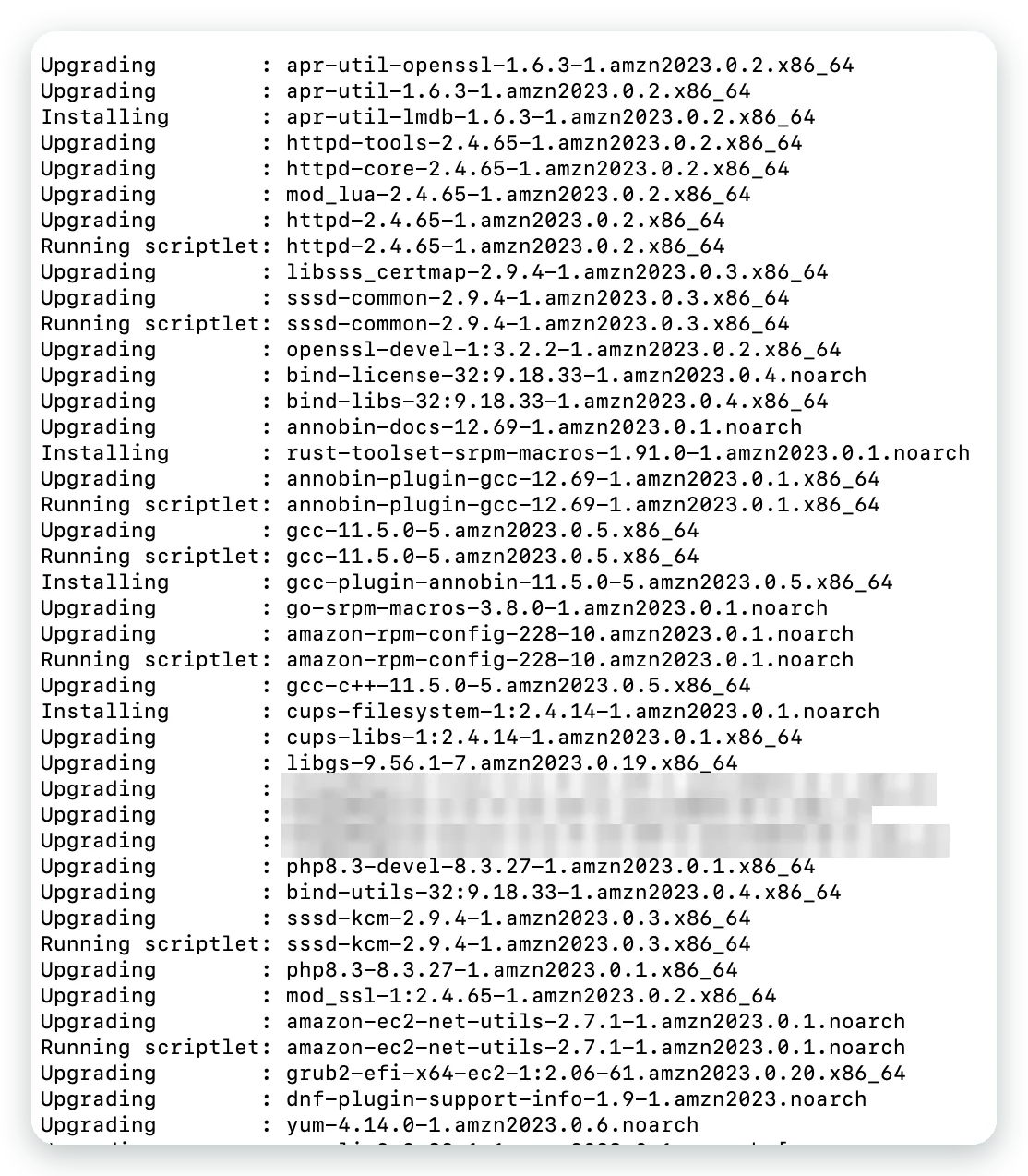
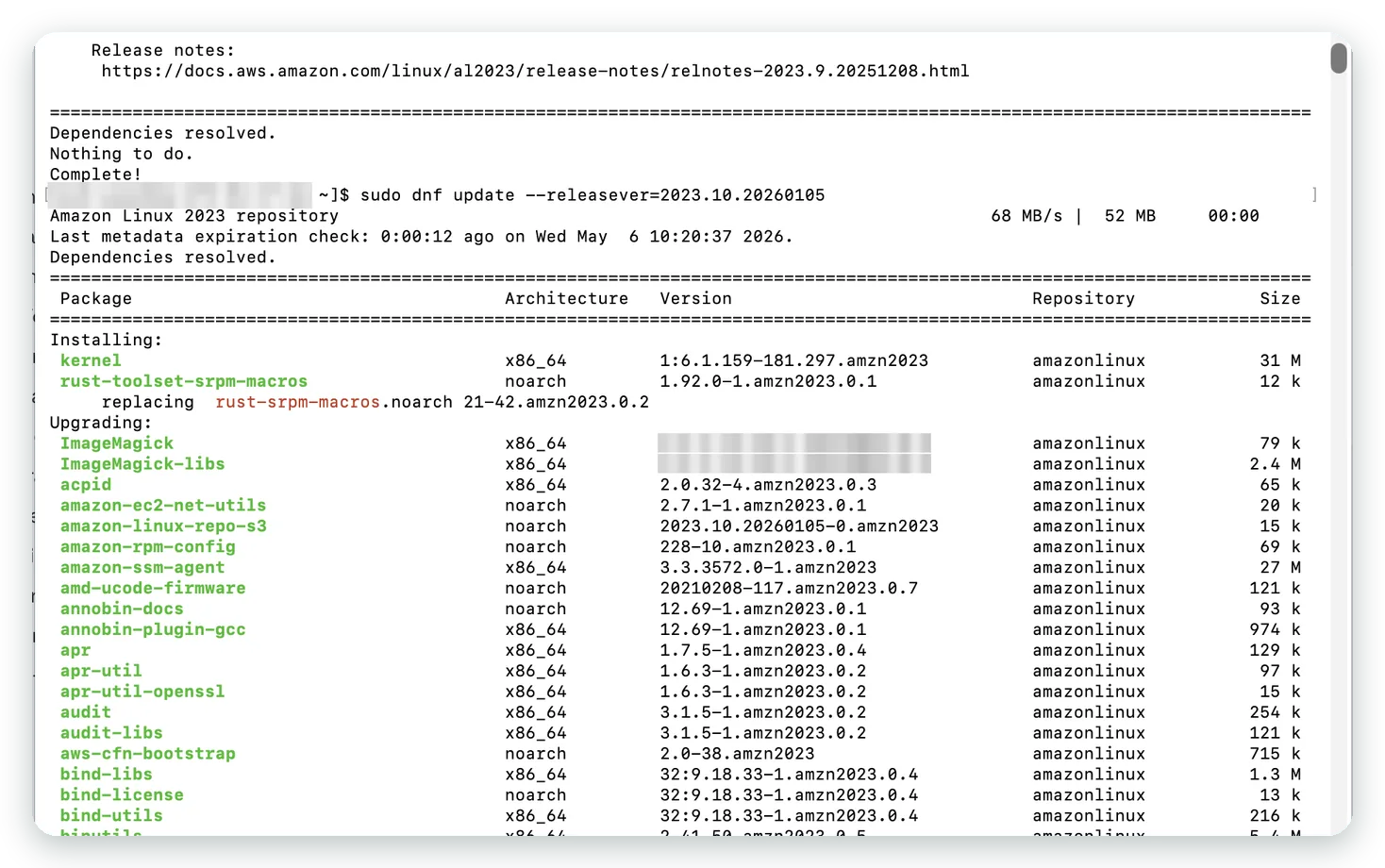
The name can be confusing, since the number 2023 is not a year in that sense. In fact, it is the name of the product, and it has support until 2029. We have updated several of our own WordPress servers on AWS, and the screenshots in this article come from those jobs. They show both what a successful update looks like and what can go wrong. Therefore, the routine matters more than the command itself.
Before the update: checks and backup
Before we touch anything, we check disk space, memory and swap. An update downloads hundreds of packages, and if the disk becomes full halfway through, the system can end up in a half-finished state. In addition, we take a snapshot of the EBS volume in the AWS console. It only takes a few minutes, but it gives a way back if something goes wrong. After that, we run dnf check-release-update, which shows which version is available.
We also check which services are running and how they are doing, since that gives a reference. If Apache or MariaDB already have problems before the update, we want to know. Otherwise, we have no basis for determining afterwards whether the update was the cause. A documented list of services and their status forms the reference state. After that, we compare it with the state after the restart.
We also choose the time carefully. We prefer to update a web server early in the morning or late in the evening, when few visitors are on the site. At the same time, we notify you in advance, so that nobody is surprised by a short interruption. If the server handles orders or bookings, we first agree on the time with you. In this way, the update becomes a planned event instead of a disruption.
The update itself with releasever
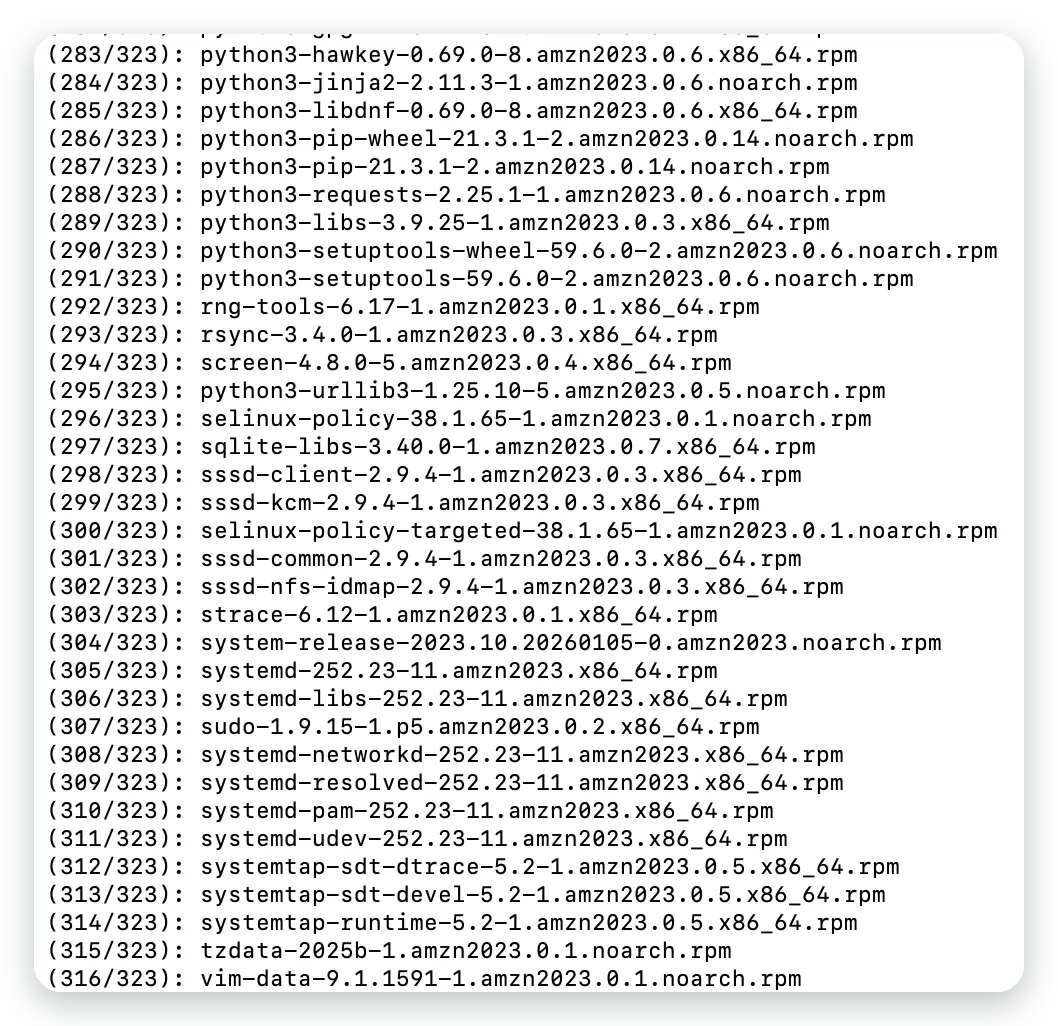
The command itself is sudo dnf upgrade --releasever=latest, or a specific version if we want full control. The list of packages can become long, especially if nobody has updated the server for a long time. For example, it shows a new kernel, new libraries and updated versions of PHP and Apache. We read through the list before we answer yes. If something unexpected appears, for example a database changing major version, we stop and replan.
During the installation, we work in a screen or tmux session. If the SSH connection drops, the update continues anyway. It is a basic precaution, and therefore it has prevented outages several times. After the installation, dnf shows a summary of new and removed packages. In addition, we save it in a log, so that we can see afterwards exactly what the update changed.
The most important step: check the kernel before the restart
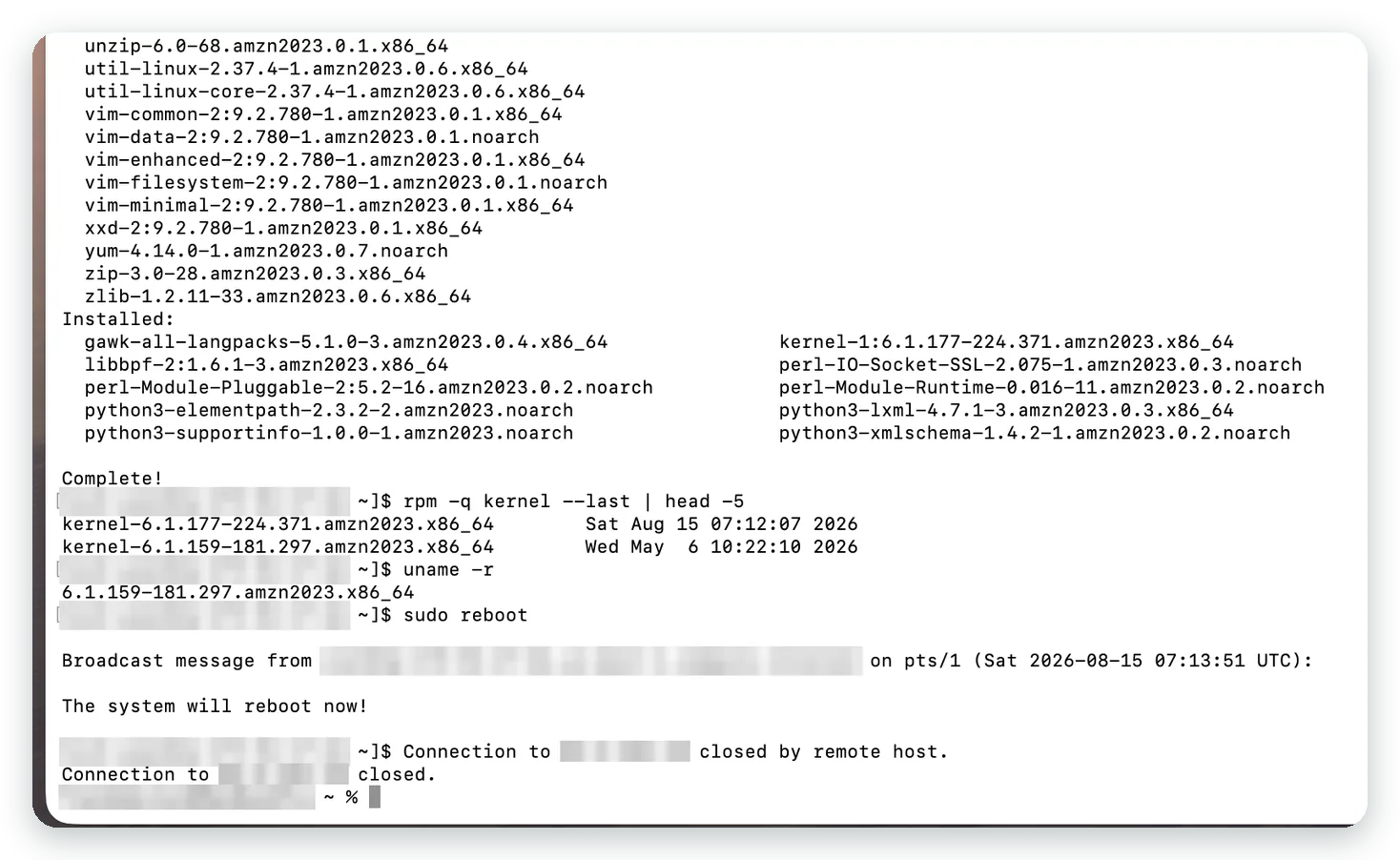
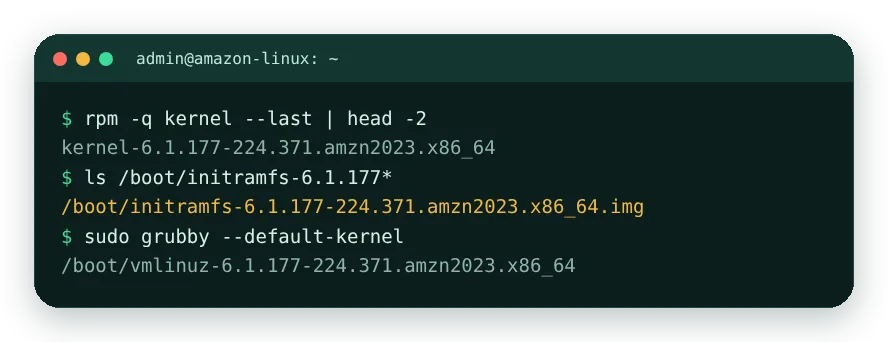
Many people skip this step, and it was exactly here that we once ran into problems. After an update, a server did not start, because the initramfs file for the new kernel was missing. The result was a kernel panic and a rescue operation with a temporary instance. Since then, we always check that initramfs exists and that the right kernel is selected before we restart. It takes a minute, but it can save several hours.
First, we list the kernels with rpm -q kernel --last and check the files in /boot. If a file is missing, we run dracut --force for the right kernel version. Only after that do we restart. When the server is up again, we check uname -r, the services and the websites. Read the whole story of the rescue in the article on kernel panic on Linux servers.
Contact Linux Service about Amazon Linux 2023
Linux Service is part of Datorkirurgen AB and operates its own and clients’ servers on AWS every day. We update Amazon Linux 2023 with the same routine every time, and we always document the result. AWS describes the version handling in the documentation for Amazon Linux 2023.
Therefore, contact us if nobody has updated your servers for a long time, or if an update has gone wrong. We can take care of individual updates or the whole operation. In addition, we can set up alerts in CloudWatch, so that you find out if something deviates. Feel free to also read about CPU credits on t3 instances.
Frequently asked questions about Amazon Linux 2023
Questions about Amazon Linux 2023
- What is Amazon Linux 2023?
- Why is the system called 2023?
- How long does Amazon Linux 2023 have support?
- What is the difference from Amazon Linux 2?
- Why does the server not automatically switch to new versions?
- What does releasever mean?
- How do I see which version the server runs?
- What does dnf check-release-update do?
- Can you lock the server to a specific version?
- Does WordPress work well on Amazon Linux?
Amazon Linux 2023: updates and the kernel
- How much disk space does an update require?
- Why should you take a snapshot of the EBS volume?
- Why should we run the update in screen or tmux?
- What is initramfs?
- How do you check that initramfs exists?
- What does dracut –force do?
- How do you see which kernel starts?
- What happens if the server does not start after the restart?
- How do you go back to the previous kernel?
- How often should we update the server?
More about operation on AWS
- Can you update our EC2 servers for us?
- How long does an update take?
- Will the websites be down during the update?
- Can you set up alerts in CloudWatch?
- Do you also help with Amazon Linux 2?
- Can you move us from Amazon Linux 2 to 2023?
- Do you work remotely?
- What does an update cost?
- Can you take over the whole operation on AWS?
- How do I contact you about Amazon Linux?